

This article explains how to enable candidates to report feedback on questions during their exam.
As part of continuous improvement, some organisations enable candidates to report feedback on question items during their exams. Cirrus provides Feedback Administration to manage this from within the platform.
Reporting feedback during an exam
When enabled for an assessment, a Report Feedback link is available to the candidate during the exam.
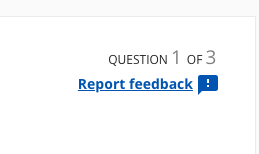
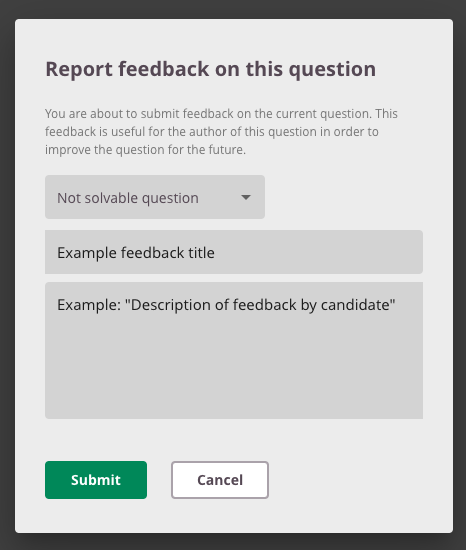
The candidate selects a Type of feedback:
- Unsolvable question
- Spelling or typo
- Feedback/hint is incorrect
- Display problem
Together with the Title (a concise summary) and the full Feedback comment, this enables your organisation to process feedback efficiently.
Candidates can report feedback
If your administrator has granted your role the "Edit report feedback option" permission, you can toggle Candidates can report feedback under Tools in the assessment options. Without this permission, the option is disabled and greyed out.
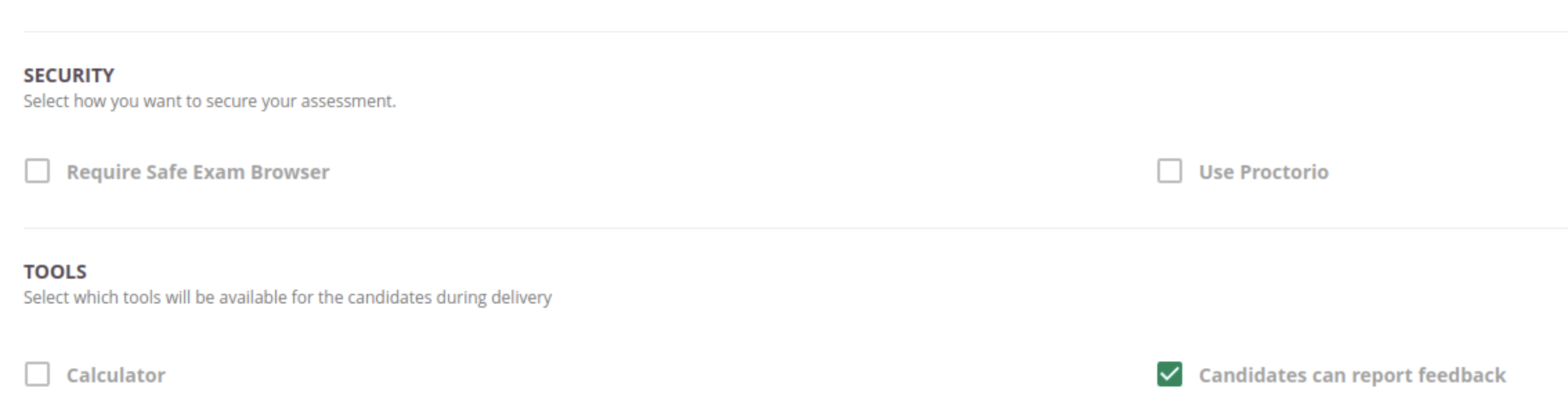
Your administrator can set whether this option is on or off by default for your organisation. See Candidate Feedback Defaults.
Feedback administration
Candidate feedback on question items is managed under Content Management. See Candidate Feedback Administration for details, including setup instructions for administrators.