
Author/System Admin login
If you are an Author or System Admin, follow these steps to log in:
- Go to your organisation's Cirrus platform (e.g. https://organisationname.cirrusplatform.com).
- Enter your username and password.
- You can change the default language on this screen or update it later.
- Click Login to access your dashboard.
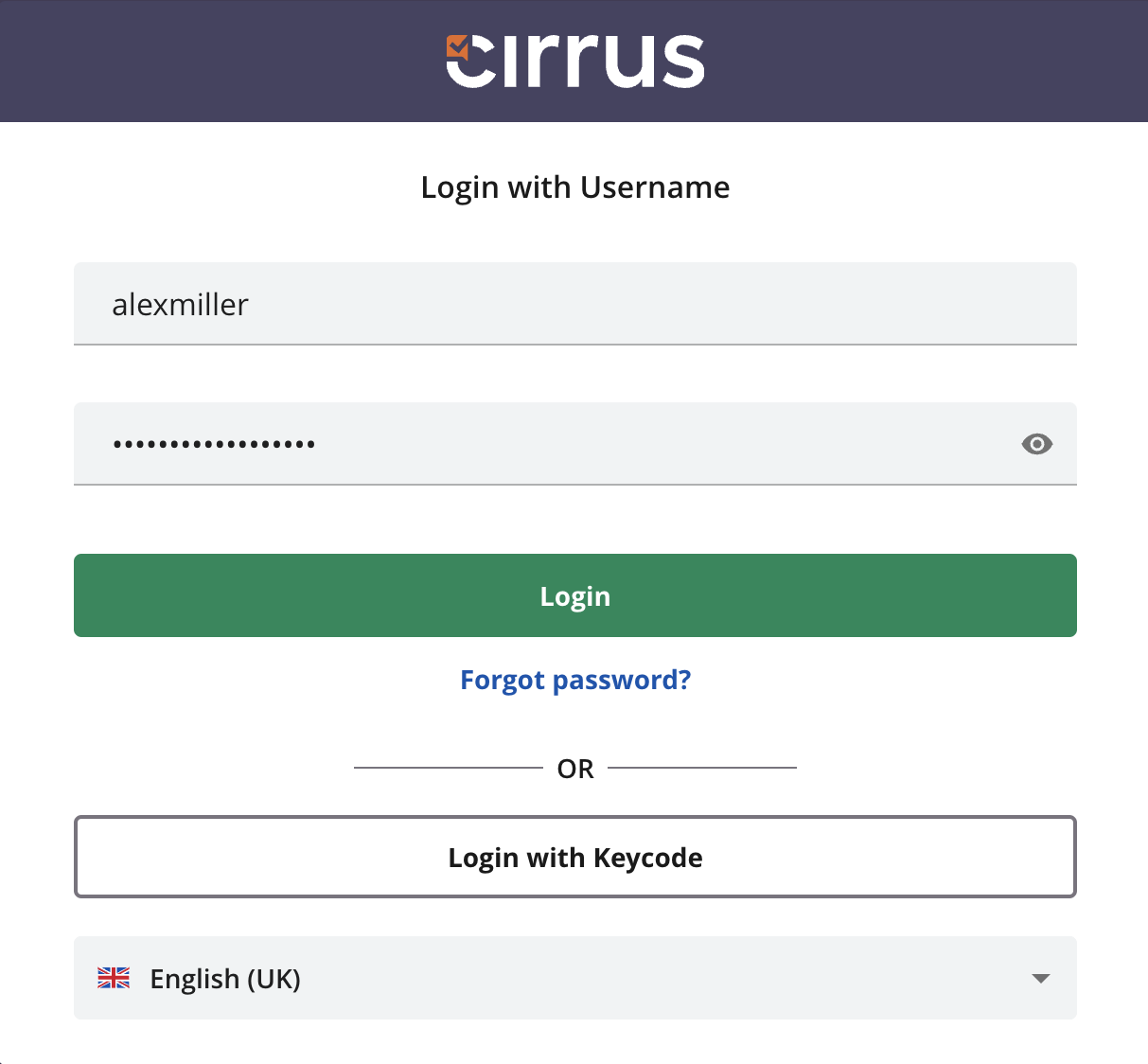
Click Forgot Password?. Enter your username and you will receive an email with a password reset link.
Dual access: Author and candidate
Administrators can enable a setting that allows a user to log in as both an Author and a Candidate. This is useful for testing assessments firsthand.
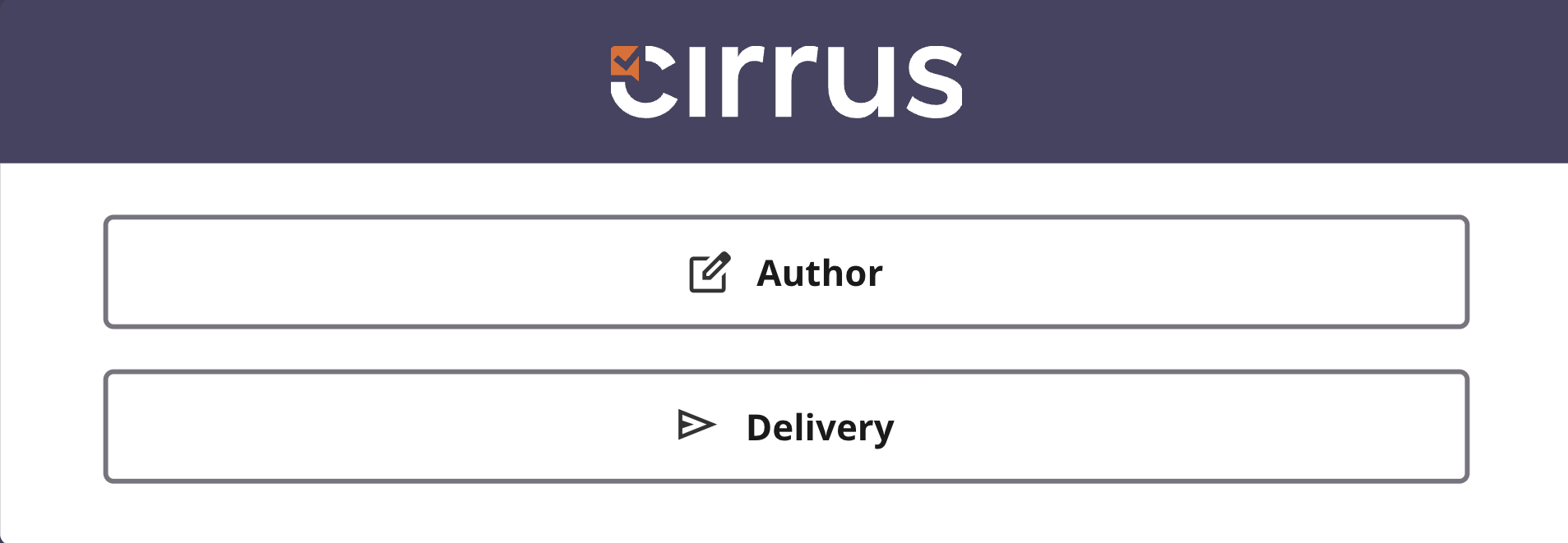
Login as (System admins only)
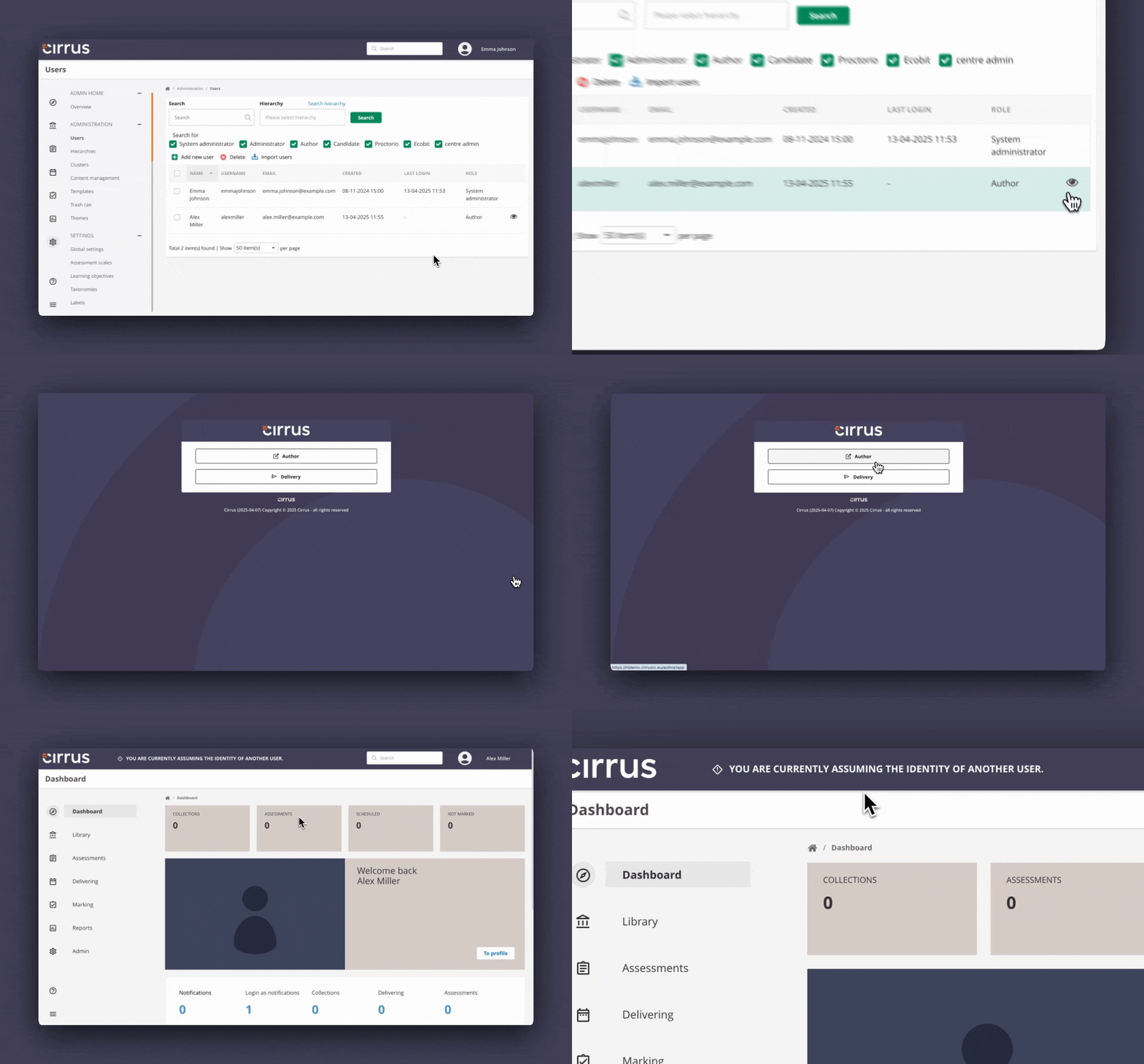
System Admins have access to a Login as feature, which allows them to access any user account in the system. Use this feature with care.
To use it:
- Go to Admin > Users.
- Click the eye icon on the far right of the user's row.
- A new tab or window will open showing the user's account.
Single sign-on
Cirrus supports several Single Sign-On (SSO) options. If enabled, users can log in through their Learning Management System (LMS) and access Cirrus without entering separate credentials.
Cirrus Single Sign-On is fully self-service. Your organisation's IT team can set it up by following the SAML 2.0 Single Sign-On (SSO) guide on the Tech Portal, including SAML 2.0 Troubleshooting.
Exit URL
After logging out, Cirrus can redirect authors and candidates to a custom information page of your choice. See Exit URL for more information.