User-level labels
Cirrus allows you to apply labels at the user level. To access this feature, navigate to Admin > Users and open a user profile. Click the blank input field to create or select an existing label.

Scheduling
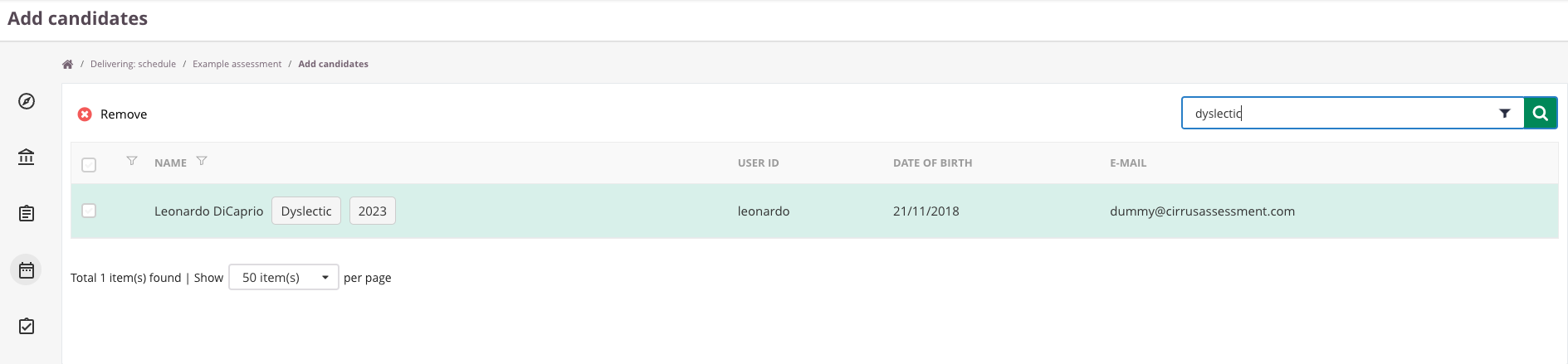
User labels simplify the process of scheduling and adding candidates. To search for candidates by label, enter a label in the search field and the system will display all candidates associated with that label.
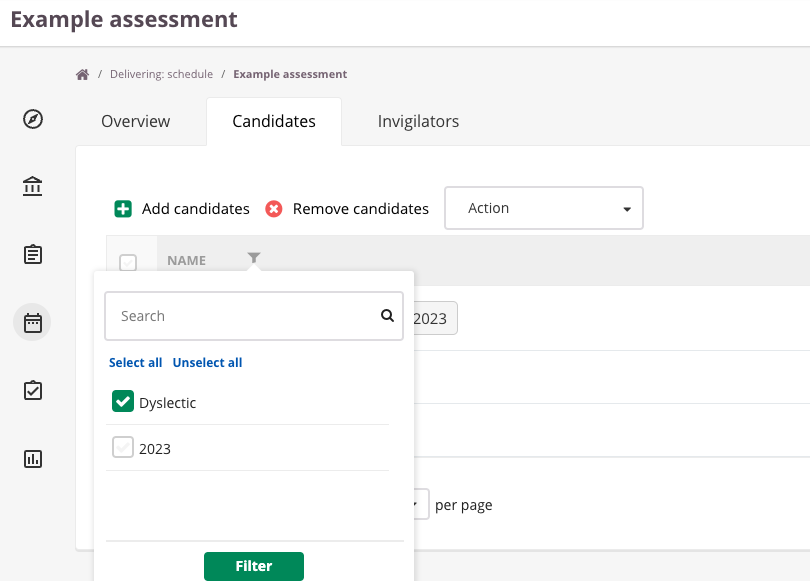
Once you have selected your candidates, use the filter icon to refine your selection by label.