

After logging out, Cirrus can redirect users to an information page of your choice.
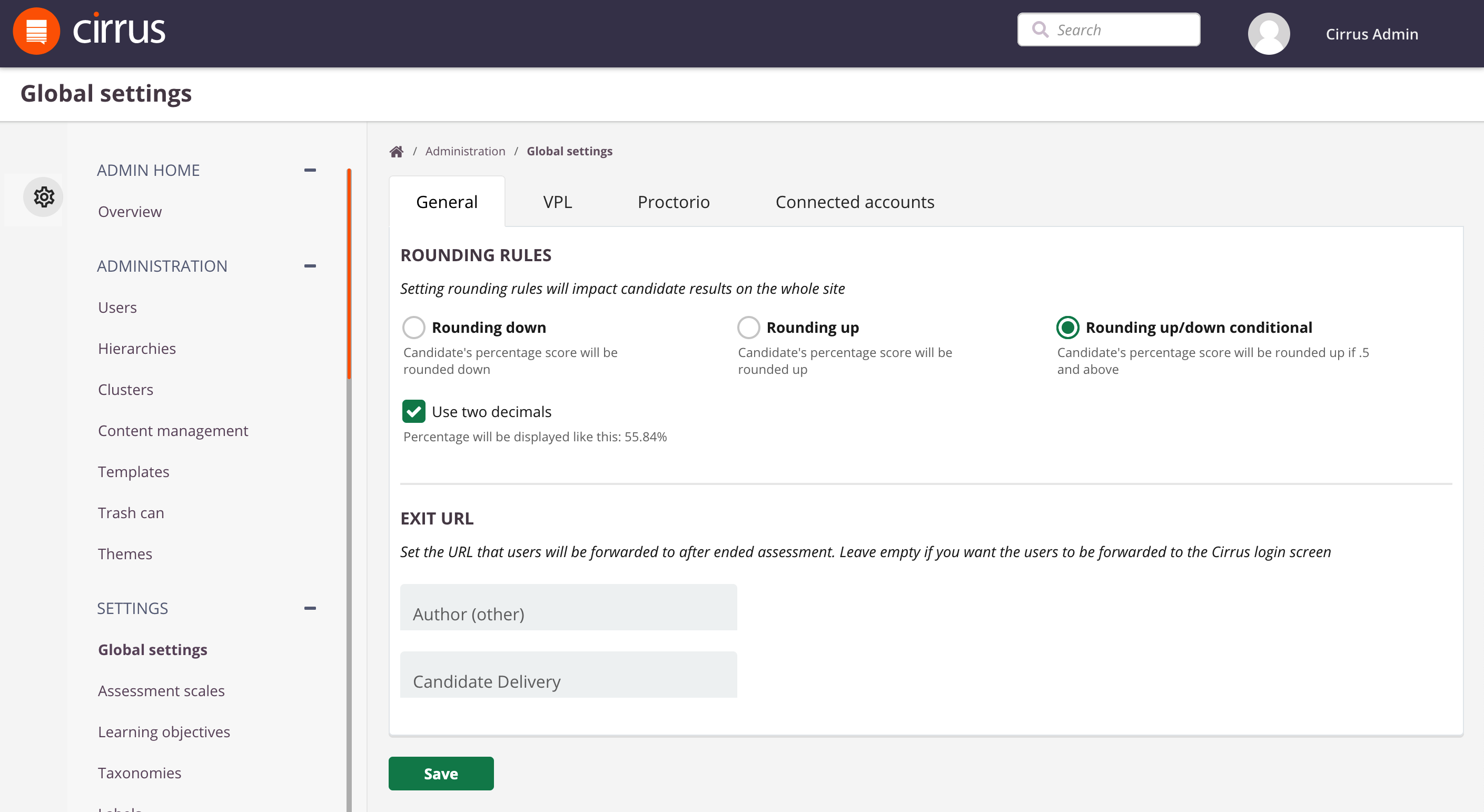
Navigate to Administration > Settings > Global Settings and open the General tab to configure an Exit URL for when candidates and/or authors (all roles other than candidates) log out.
By default, Cirrus redirects both to the login screen. Some organisations configure the same URL for both role types; others configure a different information page for candidates.
Configured links must be secure and permanently available
Cirrus cannot control the destination pages. Only configure links to secure pages (https://) that are permanently available. Test all links before and after configuring them by logging out.